
CGI videos feature heavily in contemporary times. From ads to movies, social platforms to promotions, computer-generated images have engulfed the world as a visual storytelling tool. Are you interested to learn How to make CGI Videos? This blog will walk you through the process in simpler terms.
CGI is short for Computer-Generated Imagery. It refers to the production of visual or scene images, characters, or special effects by using software rather than actual shooting. CGI videos can be practical or purely imagination-based, depending on the intended purpose. This blog describes how one can create CGI videos, from conceptualization to completion, even for a novice.

Comprehending the Fundamentals of CGI Videos
Before learning how to create CGI videos, it is essential that one knows what a CGI video is. A CGI video is made from 3D or 2D computer software that creates objects, backgrounds, lighting, and movements.
CGI videos are mainly used in:
Advertisements and Brand Films
Films, web series.
Product Demos
Music Videos
Corporate Presentations
Social media and digital campaigns
Knowing your CGI video application enables you to determine your CGI video design, levels of complexity, and tools.
Step 1 – Planning & Concept Development
The very first and most essential part of making CGI videos would be planning. Any good-quality CGI video would be based on an impressive idea.
You have to decide:
What is the purpose of the video?
Who is the intended audience?
What message or story do you want to tell?
Now, develop a rough script or story. For animations, a proper flow needs to be established. This can be achieved through a storyboard. It can be a graphic representation of each scene, allowing for the development of camera movements.
Good planning can save time and any possible future confusion.
Step 2: Choosing the Right CGI Software
The choice of software that you learn while learning how to create CGI videos is also an important aspect. There are various software programs available that you can consider based on your skill and project.
There are software packages designed for beginners and others designed for professionals to complete complex projects. Some basic functionalities of CGI software allow you to:
Create 3D models
Add Textures and Materials
Animated figures and characters
Lighting and camera angles are also standardized. The lighting
Create the final video
It is always advisable to begin with simple tools and upgrade to more advanced software once you are competent.
Step 3: 3D Modeling
3D modeling would be describing building digital objects. This is one of the key components in understanding how to create CGI videos.
Models may include:
Characters
Products
Buildings
Props and backgrounds
Each model can be made by combining shapes and polygons. The more complex the model, the more realistic it will be. But for beginners, it would be best to create simpler models before progressing to complex ones.
The accuracy of the models is appreciated, particularly for product-oriented CGI videos.
Step 3: Textures
After that, another step that follows when learning how to make CGI videos is applying textures and materials. Texturing is an important process that gives color and realism to 3D models.
For instance:
It looks shiny because it is
Texture of Wood: It is observed that
It appears transparent
Materials describe light behavior when interacting with an object. Well-textured images can contribute greatly to the final appearance of a CGI video.
Step 5: Righting & Lighting Setup
Lighting is also very important while creating CGI videos. No matter how realistic models are created, they appear flat and unrealistic without proper lighting.
In learning how to produce CGI videos, consider that light is helpful for the following reasons:
Set Mood & Atmosphere
“Always be prepared to give
Add depth and realism
Camera positions should be given equal attention. You are able to control all aspects of camera angles and movement, and even focusing and framing, as in real cameras. Applying good camera knowledge results in professional-looking CGI videos.
Step 6: Animation
It brings animation to CGI video production. It determines animation movements and timing.
Animation may contain:
Object movement
Character Actions
Camera movement
Special Effects
Keyframes are employed in the definition of movement between a pair of positions. There must be proper timing and spacing in animation. This is a crucial step in the making of CGI videos that appear natural and interesting.
Step 7: Rendering the CGI Video
Rendering is the process by which your CGI scene turns into a video. This is perhaps the most technical step, depending on your method of making CGI videos.
Lighting quality
Texture resolution
Hardware Performance
The high-quality rendering process may consume a lot of time, but it increases realism. For starters, they may begin with a less intense rendering process.
Step 8: Post-Production and Editing
After this is done, the video is taken through post-production. This enhances the end product.
Examples of Post-production
Video editing
Color Correction
Visual Effects and Transitions
Consider using
This stage allows the CGI video to be perfected towards the end goal of publication or presentation.
Avoid these common errors when creating your CGI video
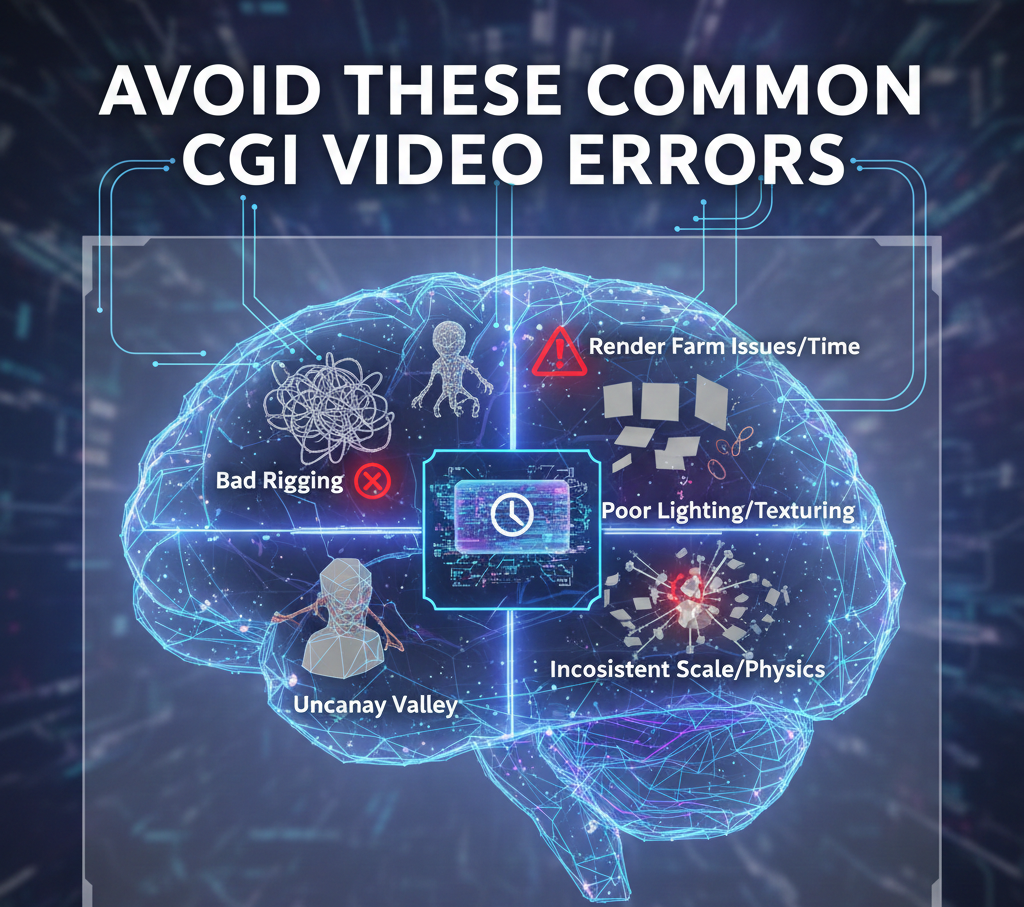
Learning to create videos using CGI can be challenging, and some people who are just starting make the following errors:
Skipping planning and storyboarding can be a
Too many effects unnecessarily
Inadequate Lighting Setup
Beginning with overly complicated models
These errors can be avoided to enhance quality and conserve time.
Conclusion
Knowing how to produce CGI videos is an opportunity that can be leveraged to achieve great ends. Starting from conceptualizing, modeling, and then moving on to animation and finally rendering, every process is critical for producing quality pictures. By mastering it, it is completely possible to produce excellent CGI videos.
Framexentertainment is a full-service video production house dealing in Ad Films, CGI/VFX Videos, UGC Ads, Music Videos, Fashion/Product Photoshoots, Corporate Films, Documentaries, and Short Films.
Frequently Asked Questions (FAQs)
What are the skills required for creating CGI videos?
Computer literacy, imagination, patience, and a desire to learn computer software are required. Basic computer literacy is required.
How difficult is it for a beginner to create CGI video?
It can be a bit of a struggle, but once mastered, it becomes easy.
What is the time required for the creation of a CGI video?
The time that is taken is dependent on the length and complexity of videos, as well as one’s level of expertise. For simple videos, it takes a shorter time compared to complex videos.
Is it possible to use CGI video in marketing and advertisements?
Yes, CGI videos are very much used for advertising purposes.
Are the computers needed in CGI videos high-performance?
Basic CGI work can be undertaken on standard systems, but complex projects require more advanced hardware.