
The creation of a CGI Movie is a very interesting and fascinating process. This involves the use of the acronym CGI, which stands for Computer-Generated Imagery. This technology aims to provide images that may not be possible to film. This can be done with the use of computer technology.
If you want to know how a CGI film is produced, I will take you through all the steps with simple and easy explanations. Whether you are a beginner, a student, or a person interested in film production, you will find complete information related to the CGI movie production process through this blog.
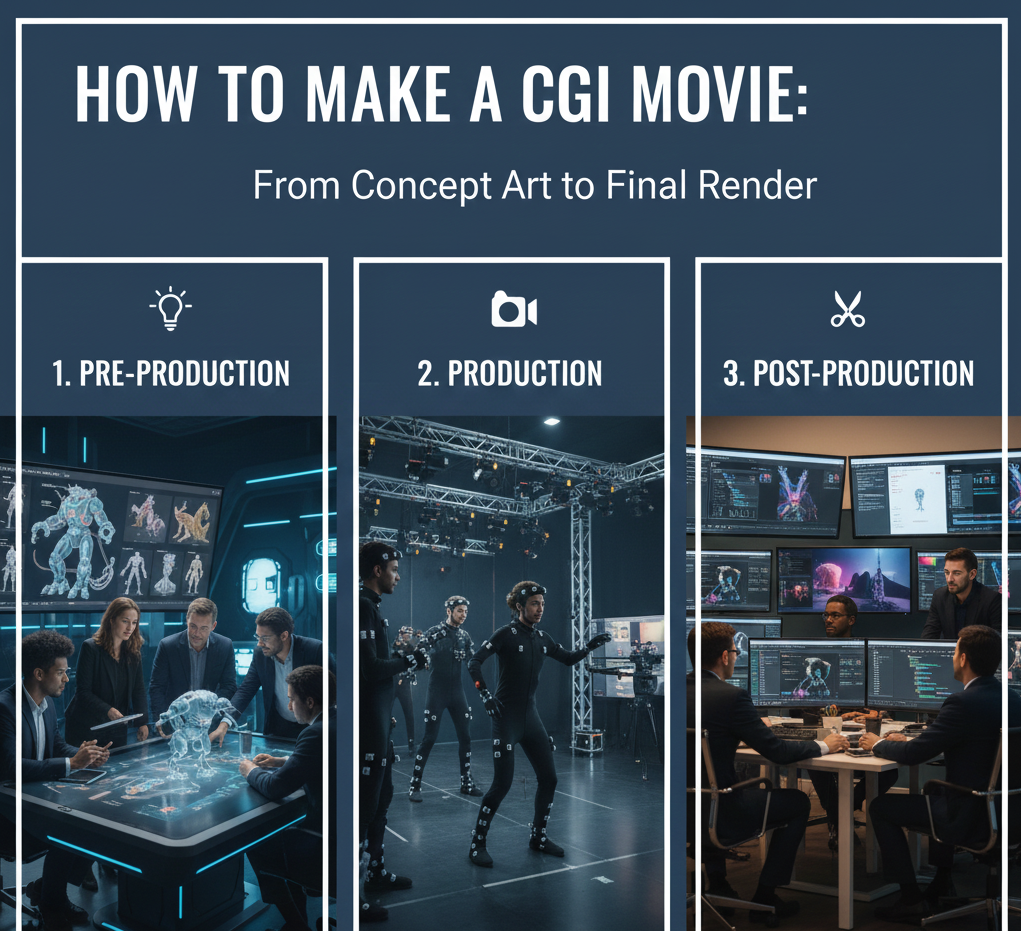
Step 1: The first step is to develop ideas and stories
All CGI movies have an idea as their starting point. Having an interesting story is the essence of making an interesting film. Start by identifying what kind of film you want to make. This can be an animated short film, fantasy, sci-fi, or even realism.
After understanding the concept, one can write a script. The script involves explaining the story, characters, dialogues, and scenes. This stage is of utmost significance as all CGI developments are script-dependent.
Step 2: Storyboarding and Planning
“Storyboarding is the act of sketching out rough scene sketches. These sketches assist in picturing how the movie will appear before filming begins.”
Planning entails determining the film’s duration, style, schedule, and crew needs. Effective planning prevents the wasting of time and misunderstandings in the production process.
Step 3: Design of Characters & Environments
After planning, the next step in developing a CGI film is character and environment concept designs. This step is based on visual characteristics.
Artists create concept artwork so they know how characters, environments, and objects should look. The artwork maintains consistency in the film.
Step 4: 3D Modeling
It is a method through which digital objects are created using software. Game characters, items, and scenery are created in 3D models.
Every model is crafted to fit the concept design. Details such as facial expressions, clothing, and textures are included at this point. Good models lie at the heart of all realistic and/outstanding animations.
Step 5: Texturing and Shading
Texturing brings color and detail to 3D models. Shading refers to the effect of light on surfaces, for example, skin, metal, or glass.
This stage gives realism or artistic effects to the models, depending on the movie genre. Realistic texturing and shading help in enhancing the quality of the CGI movie.
Step 6: Rigging
Rigging is the addition of a digital skeleton to characters. A digital skeleton makes the character move naturally.
Rigging ensures that it is possible to animate expressions, body movements, and gestures. Characters would not have been able to move if the rigging had not existed.
Step 7: Animation
Animation makes the characters come alive, as well as the scenes. Animators make characters move frame by frame.
This phase involves character acting, lip synchronizing, and the action of objects. The key to quality animation lies within timing, expressions, and reality. Animation takes a very creative and time-consuming process to make a CGI movie.
Step 8: Lighting
Lighting contributes greatly to the creation of the mood in the video. Inequitable lighting can make the video appear unrealistic.
There are various lighting techniques used in various situations in a scenario, depending on whether it is a joyful one or a dramatic one.
Step 9: Visual Effects (VFX)
VFX adds special effects such as explosions, smoke, fire, magic, or environmental effects. These add gravity to the story being portrayed.
VFX is also used in conjunction with real footage or as creating scenes that cannot be done in real-world filming.
Step 10: Rendering
Rendering is a technique used to convert 3D scenes into images or video frames. High computational power is required in this step.
Each frame is then processed for lighting, texture, and effects. It takes a long time to render, depending on the complexity of scenes.
Step 11: Sound Design and Music
Sound design consists of the addition of background music, sound effects, as well as dialogues. Audio is a crucial element within storytelling.
Sound design adds to the emotional aspects of a CGI movie.
Step 12: Editing and Final Output
The final stage involves the combination of all the scenes into one. Transitions, color correction, and final tweaking are completed.
After the editing process, the movie is then converted or exported into the desired format. This marks the final step needed to complete the creation of a CGI movie.
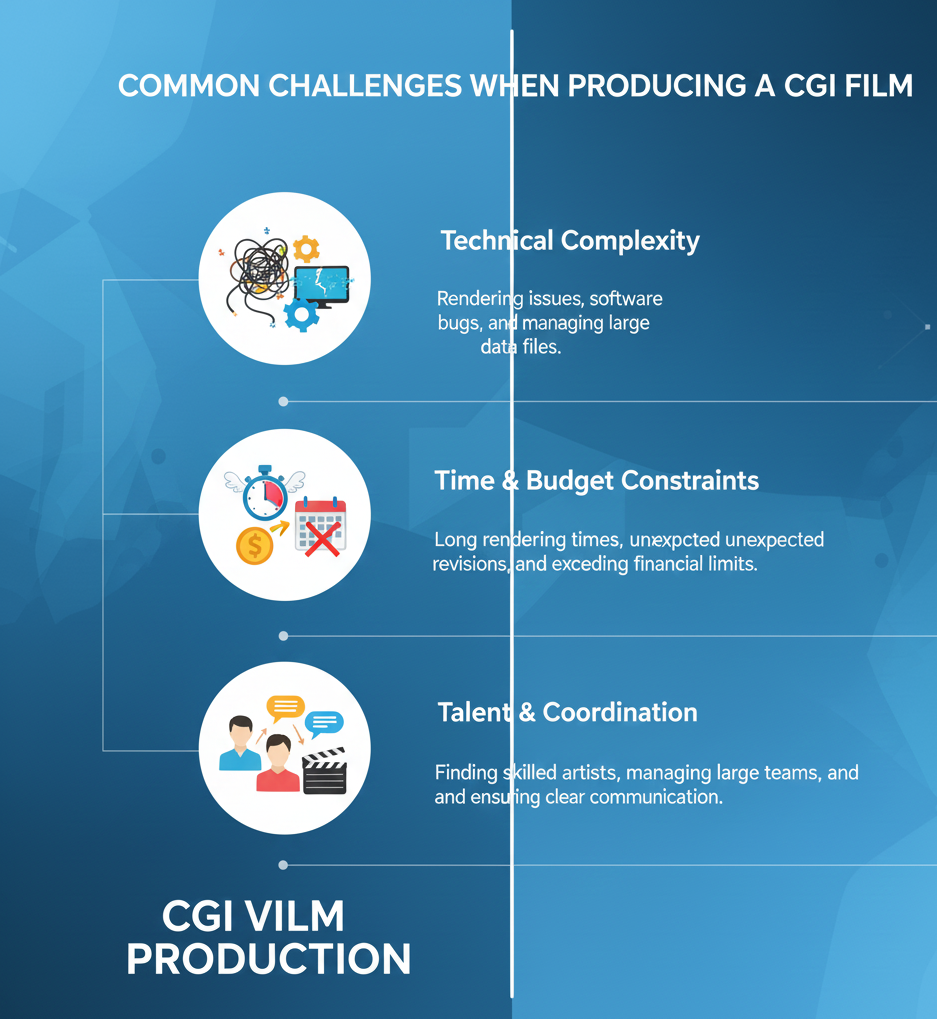
Common Challenges When Producing a CGI Film
The process of creating a CGI film demands patience and collaboration. Some of the challenges that can be encountered while making a CGI film include deadline issues, quality control, and technology-related problems.
With proper planning and professional staff, such challenges can be overcome.
Conclusion
The process of creating a CGI animation film entails storyboarding, designing, animation, and technological execution. With effective planning and execution, the results of CGI animation films will be nothing short of breathtaking. Framexentertainment is a complete visual production house that excels in Ad Films, CGI & VFX Videos, UGC Ads, Music Videos, Fashion & Product Shooting, Corporate Films, Documentaries, and Short Films.
Frequently Asked Questions (FAQs)
What is CGI in movies?
CGI, which stands for computer-generated imagery, refers to computer-generated images used in movies for purposes of creating characters, settings, and special effects.”
The time it take for a CGI film?
The time depends on the movie’s length, complexity, or the team’s size. For bigger movies, it may take months or even years.
Is programming knowledge required to create a CGI film?
Basic coding is optional, but having some degree of technological knowledge is useful.
Is it possible to create a CGI movie by a beginner?
Of course, a newbie can learn advanced techniques by making CGI videos.
Is CGI only found in animated films?
CGI is also employed in live-action movies, commercials, and graphic effects.