
Creating realistic and engaging camera movements is one of the most important parts of animation. Understanding How to Create Cinematic Camera Movements in 3D Animation can transform an ordinary scene into a visually stunning experience. Camera movements help create emotions, guide viewers’ attention, and make animations feel more professional and cinematic.
In this guide, we will explore how to Create Cinematic Camera Movements in 3D Animation, various camera techniques, movement styles, and practical tips that can help animators create immersive visual storytelling.
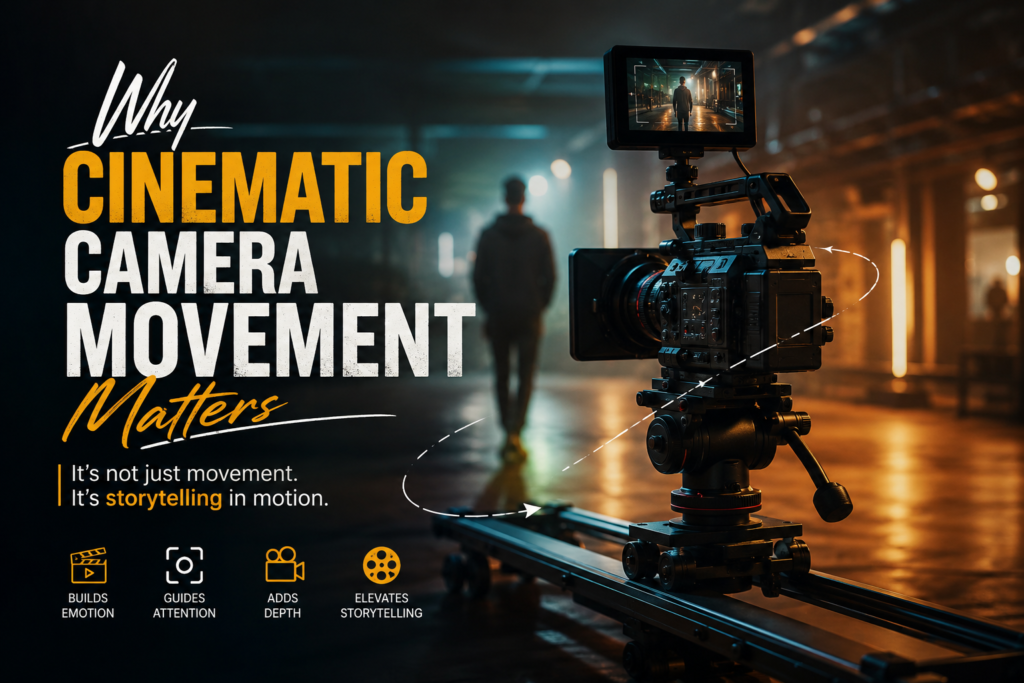
Why Cinematic Camera Movement Matters
Before learning how to Create Cinematic Camera Movements in 3D Animation, it is important to understand why camera movement plays such a critical role in animation.
A camera is not just a tool for recording a scene. It acts as the eyes of the audience. Proper camera movement can:
Create emotional impact
Build tension and excitement
Enhance storytelling
Direct viewer attention
Add realism and depth
Improve scene composition
Professional animated films rely heavily on cinematic camera movements to create memorable visual experiences.
Understanding the Basics of Camera Movement
When studying How to Create Cinematic Camera Movements in 3D Animation, you must first understand the fundamental camera movements used in filmmaking.
Pan Movement
A pan movement rotates the camera horizontally from a fixed position. It is commonly used to reveal environments or follow moving subjects.
Benefits of panning include:
- Smooth scene transitions
- Subject tracking
- Environment showcasing
- Building anticipation
Tilt Movement
A tilt movement rotates the camera vertically while keeping the camera position fixed.
Common uses include:
- Revealing tall structures
- Creating dramatic perspectives
- Showing character scale
- Building suspense
Dolly Movement
A dolly movement physically moves the camera toward or away from the subject.
Dolly shots help:
- Create emotional intimacy
- Add cinematic depth
- Increase viewer engagement
- Build dramatic tension
Truck Movement
Truck movements move the camera sideways while maintaining focus on the subject.
This movement is often used to:
- Follow action scenes
- Create dynamic compositions
- Add visual energy
How to Create Cinematic Camera Movements in 3D Animation Using Keyframes
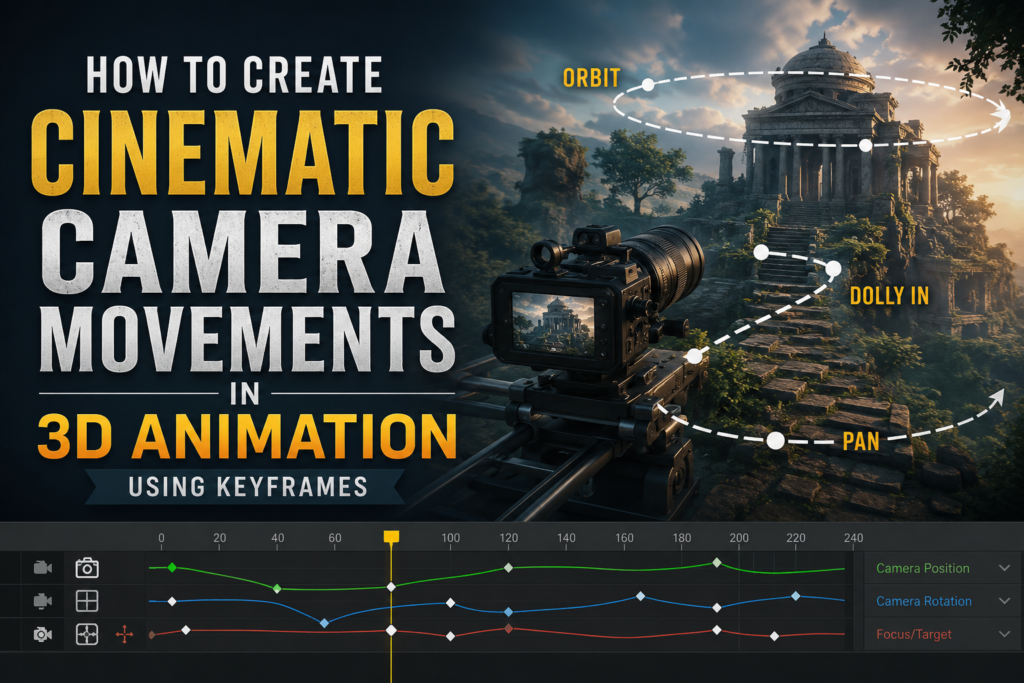
One of the most important aspects of How to Create Cinematic Camera Movements in 3D Animation is mastering keyframe animation.
Keyframes determine:
- Camera position
- Camera rotation
- Speed of movement
- Timing
- Acceleration and deceleration
To create cinematic movement:
- Set the starting camera position.
- Create a second keyframe at the ending position.
- Adjust interpolation settings.
- Smooth the movement curves.
- Refine timing and speed.
Smooth transitions are essential for creating professional cinematic results.
Using Camera Curves for Natural Motion
Understanding camera curves is a major part of learning How to Create Cinematic Camera Movements in 3D Animation.
Instead of linear movements, professional animators use animation curves to create:
- Ease-in motion
- Ease-out motion
- Acceleration
- Deceleration
- Natural camera behavior
Human-operated cameras rarely move at constant speeds. Adding subtle speed variations creates more realistic and cinematic motion.
Popular Cinematic Camera Techniques
There are several advanced techniques used when mastering How to Create Cinematic Camera Movements in 3D Animation.
Orbit Camera Shot
An orbit shot circles around the subject while maintaining focus.
This technique helps:
- Highlight characters
- Showcase objects
- Create dramatic reveals
- Add visual excitement
Push-In Shot
A push-in shot slowly moves toward the subject.
Benefits include:
- Building emotional connection
- Creating suspense
- Emphasising important moments
Pull-Out Shot
A pull-out shot moves away from the subject.
This technique is useful for:
- Revealing environments
- Creating emotional distance
- Showing scale
Crane Shot
Crane movements simulate cameras moving vertically through space.
They help create:
- Epic establishing shots
- Grand reveals
- Cinematic transitions
Adding Camera Shake for Realism
A critical part of How to Create Cinematic Camera Movements in 3D Animation involves adding realistic imperfections.
Real cameras naturally produce slight movements because of:
Human handling
Environmental conditions
Mechanical limitations
Subtle camera shake can make scenes feel:
More realistic
More immersive
More cinematic
However, excessive camera shake can distract viewers, so balance is important.
Depth of Field and Cinematic Focus
Camera movement becomes even more powerful when combined with depth of field effects.
Depth of field helps:
Direct viewer attention
Separate foreground and background
Create realism
Enhance storytelling
Using focus transitions during camera movements adds an extra layer of cinematic quality.
Camera Composition Techniques
Learning how to Create Cinematic Camera Movements in 3D Animation also requires understanding composition principles.
Rule of Thirds
The rule of thirds divides the frame into nine sections and places subjects at key intersection points.
Benefits include:
Better visual balance
Improved storytelling
Stronger compositions
Leading Lines
Leading lines guide viewers’ eyes toward important subjects.
Examples include:
Roads
Buildings
Hallways
Natural landscapes
Framing
Framing uses objects within the scene to emphasise the main subject.
Examples include:
Windows
Doors
Trees
Architectural structures
Timing and Pacing in Cinematic Camera Movement
Good pacing creates:
Emotional impact
Suspense
Energy
Realism
Consider the following:
Slow movements create drama.
Fast movements create excitement.
Pauses create tension.
Smooth transitions improve immersion.
Professional animators often spend significant time adjusting timing to achieve perfect cinematic results.
Common Mistakes to Avoid
When learning how to Create Cinematic Camera Movements in 3D Animation, beginners often make several mistakes.
Avoid:
Excessive camera movement
Constant motion without purpose
Abrupt transitions
Ignoring composition rules
Unrealistic movement speeds
Overusing camera shake
Every camera movement should serve the story and enhance the viewer’s experience.
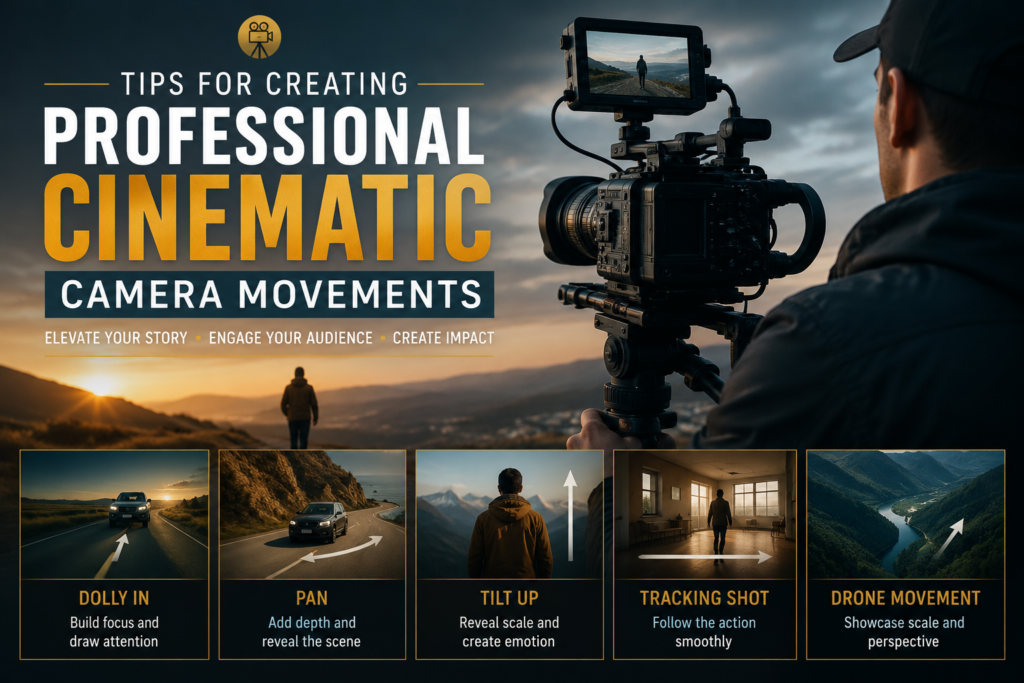
Tips for Creating Professional Cinematic Camera Movements
Here are some practical tips:
Study professional films and animations.
Observe real camera operators.
Use reference videos.
Keep movements smooth.
Focus on storytelling.
Practice camera timing regularly.
Experiment with different shot types.
Use subtle movements whenever possible.
Mastering these techniques will significantly improve your animation quality.
Conclusion
Learning How to Create Cinematic Camera Movements in 3D Animation requires practice, creativity, and a strong understanding of cinematic principles. By combining camera movement techniques, proper timing, composition, and realistic motion, animators can create immersive and visually stunning experiences.
Whether you are creating films, advertisements, games, or visual effects, mastering cinematic camera movement is an essential skill. Professional creative teams, including experts at Framexentertainment, understand that compelling camera movement plays a major role in successful visual storytelling.
Frequently Asked Questions
What are cinematic camera movements in 3D animation?
Cinematic camera movements are camera techniques used to create realistic, dramatic, and visually engaging animated scenes.
Why are camera movements important in 3D animation?
They help improve storytelling, create emotional impact, and guide the viewer’s attention.
What is the most common cinematic camera movement?
Common movements include pan, tilt, dolly, truck, crane, and orbit shots.
How can I make camera movements look realistic?
Use smooth animation curves, natural acceleration, proper timing, and subtle camera shake.
Should every scene include camera movement?
No. Camera movement should only be used when it supports the story or enhances visual engagement.